SplitCam :: Live Multi-Streaming
A downloadable tool for Windows, macOS, and Android
SplitCam is a Powerful Live Multi-Streaming Studio Software
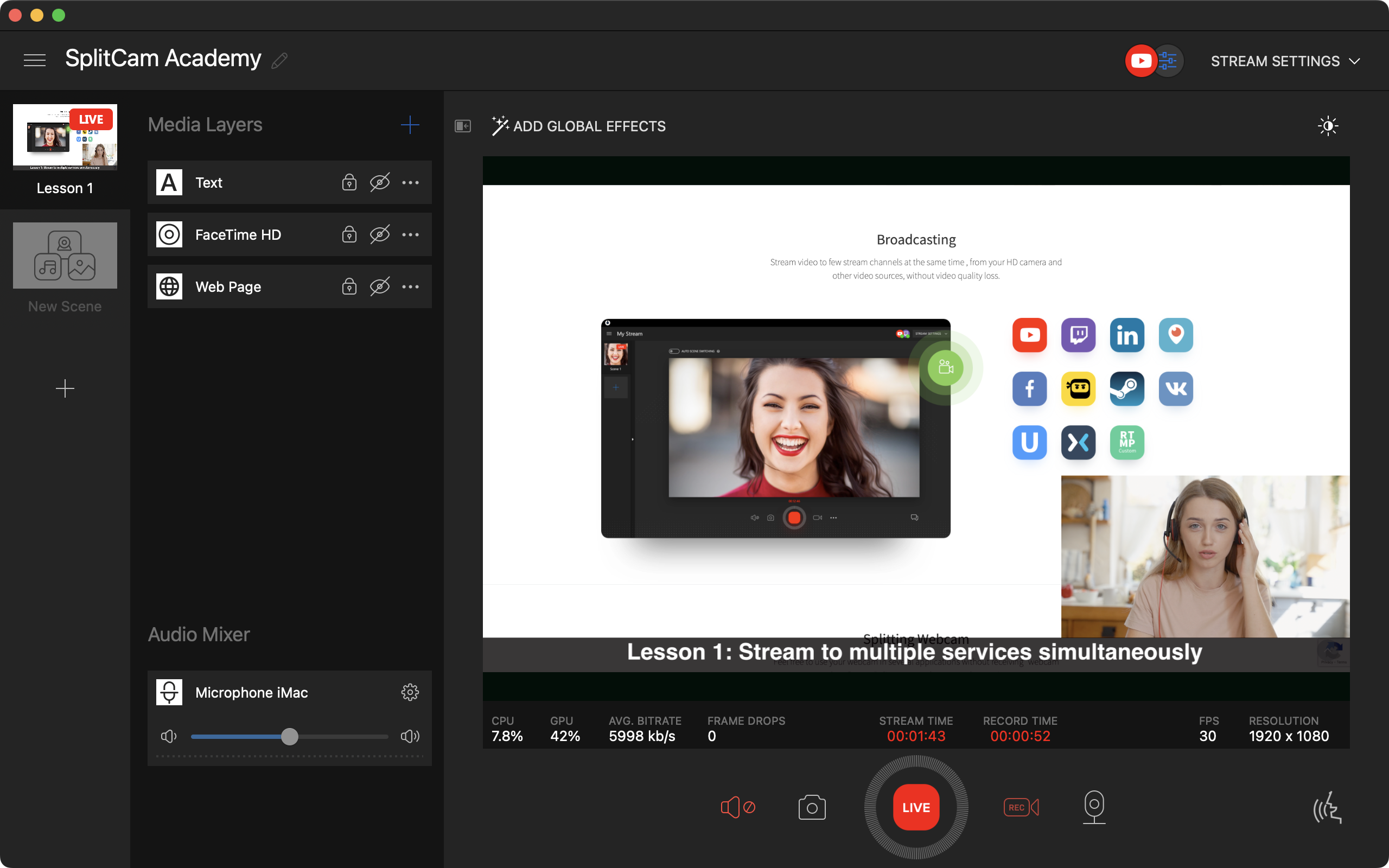
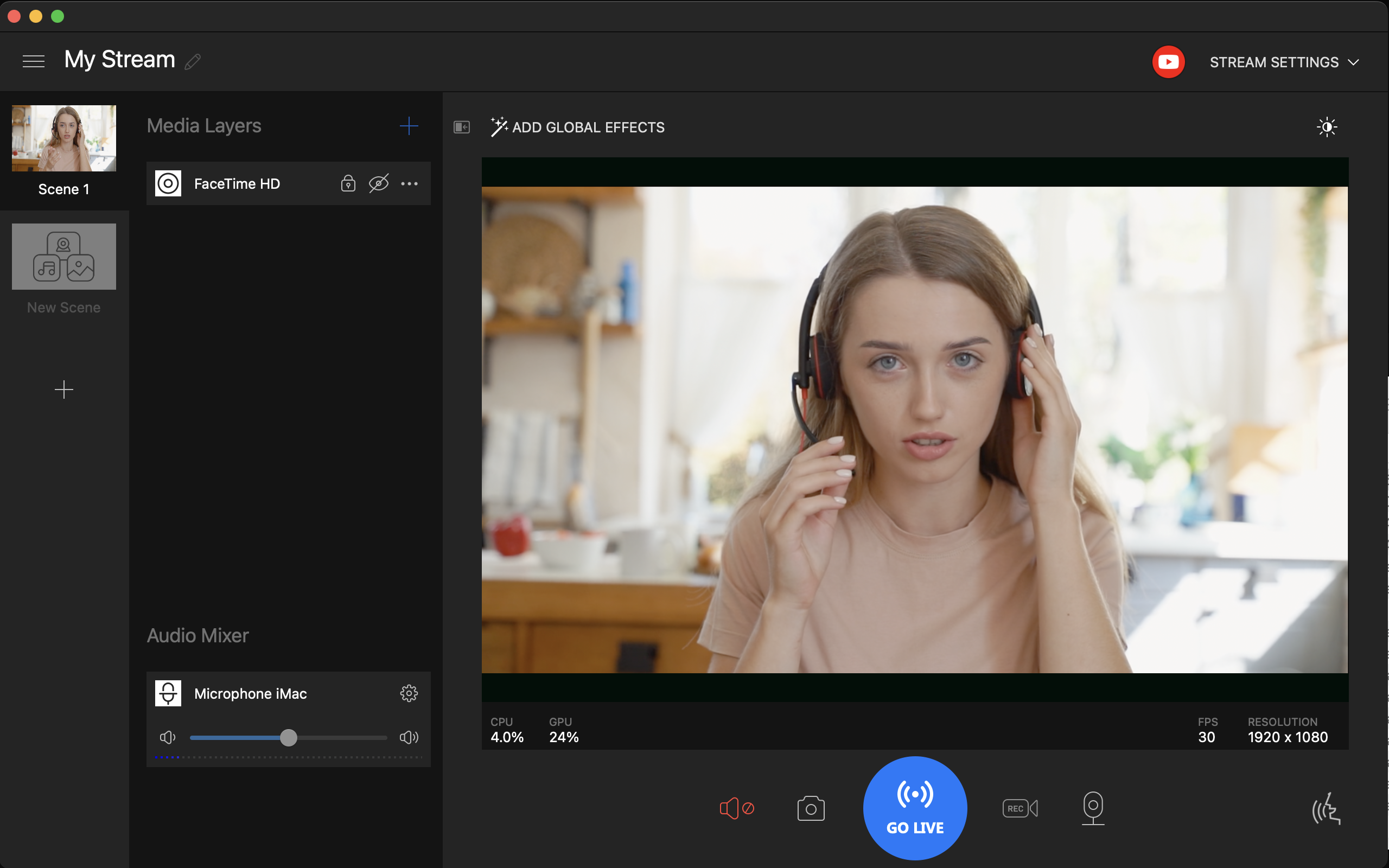
SplitCam is the easiest way to start your live streaming session on any video platform. It only takes 5 minutes for a new SplitCam user to go live with their webcam and microphone.
Live Streaming
SplitCam knows the most popular streaming platforms: Twitch.tv, YouTube, FaceBook, etc., so setting them up is a breeze. Or you can set up streaming to any other custom platform by providing its server URL and stream key.
Multiple Streaming
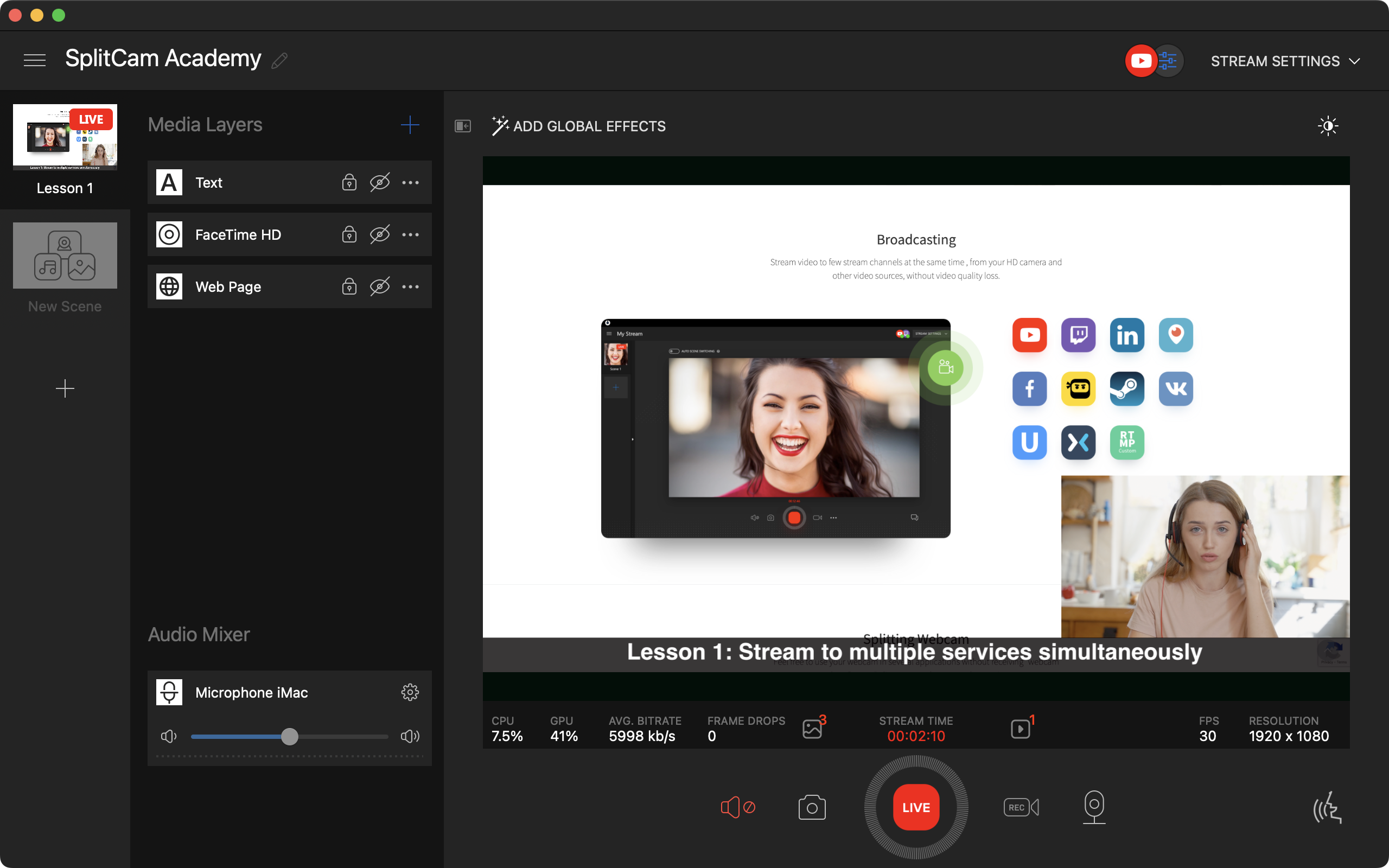
There's no additional setup required to broadcast your live session to multiple platforms. Just add as many streaming configurations as you like, click the Go Live button, and you will be online on all platforms at the same time.
Video Sources
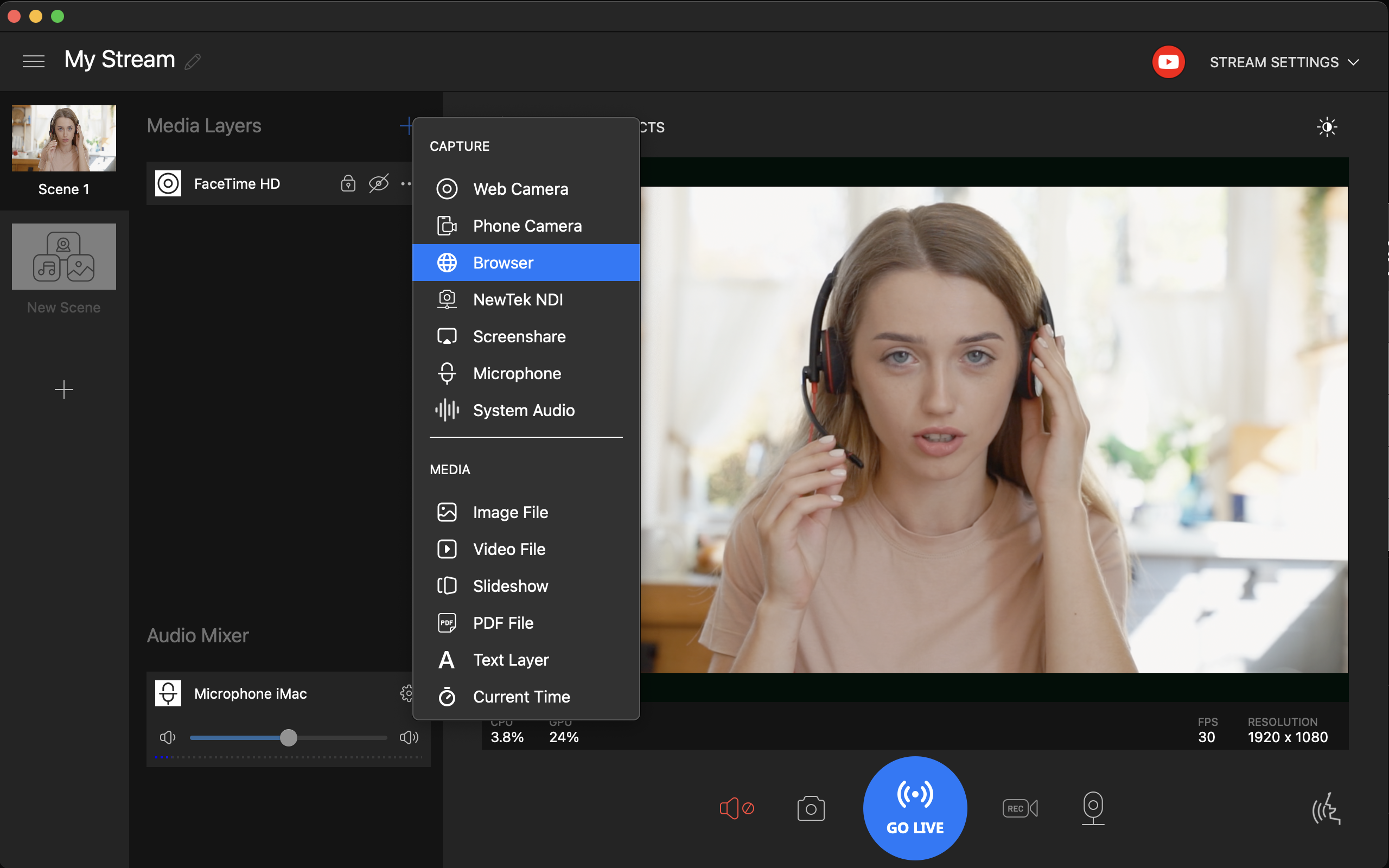
SplitCam offers support for a huge number of video sources: webcam, screen, games, browser, even your smartphone, network devices and many more.
Audio Mixer
Capture and add sound to your stream using your microphone, system or application sounds, or just a playlist of audio files. SplitCam will mix these sounds into a single audio track.
Video And Audio Effects
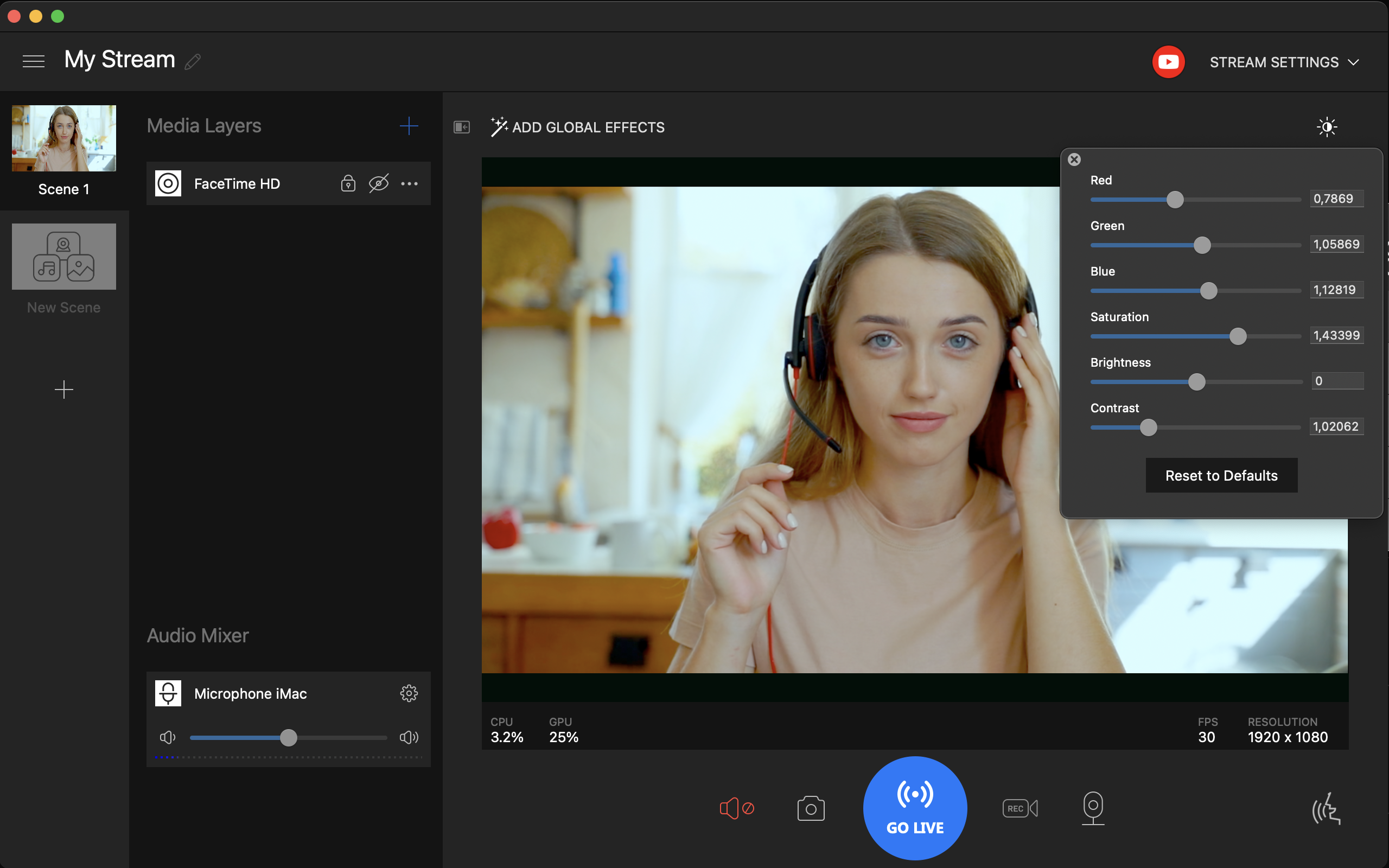
Enhance your live session with a rich set of realistic video or audio effects. To name a few: color correct your video, blur your face, add handwritten text or markers in real time, replace or remove background, remove background noise from the audio track, and more.
Virtual Camera
The resulting video can not only be streamed, but also used as a webcam in other applications or websites: Skype, Zoom, WhatsApp, Telegram, FaceBook Messenger, etc.
Download
Click download now to get access to the following files:
Also available on



Leave a comment
Log in with itch.io to leave a comment.